> For the complete documentation index, see [llms.txt](https://faqs.thorwallet.org/llms.txt). Markdown versions of documentation pages are available by appending `.md` to page URLs; this page is available as [Markdown](https://faqs.thorwallet.org/how-to-guides/how-to-receive-funds.md).
# How to Receive Funds?
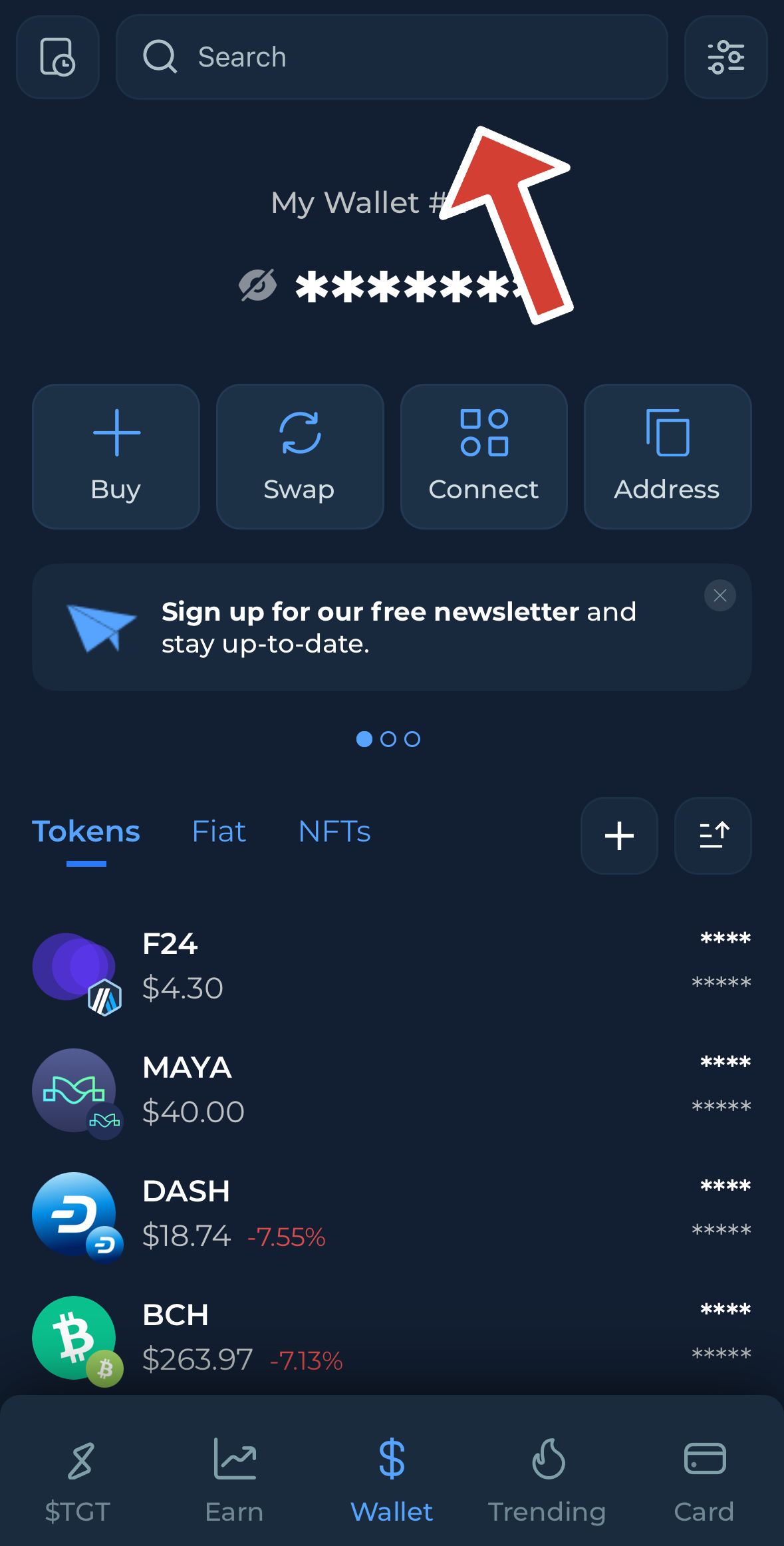
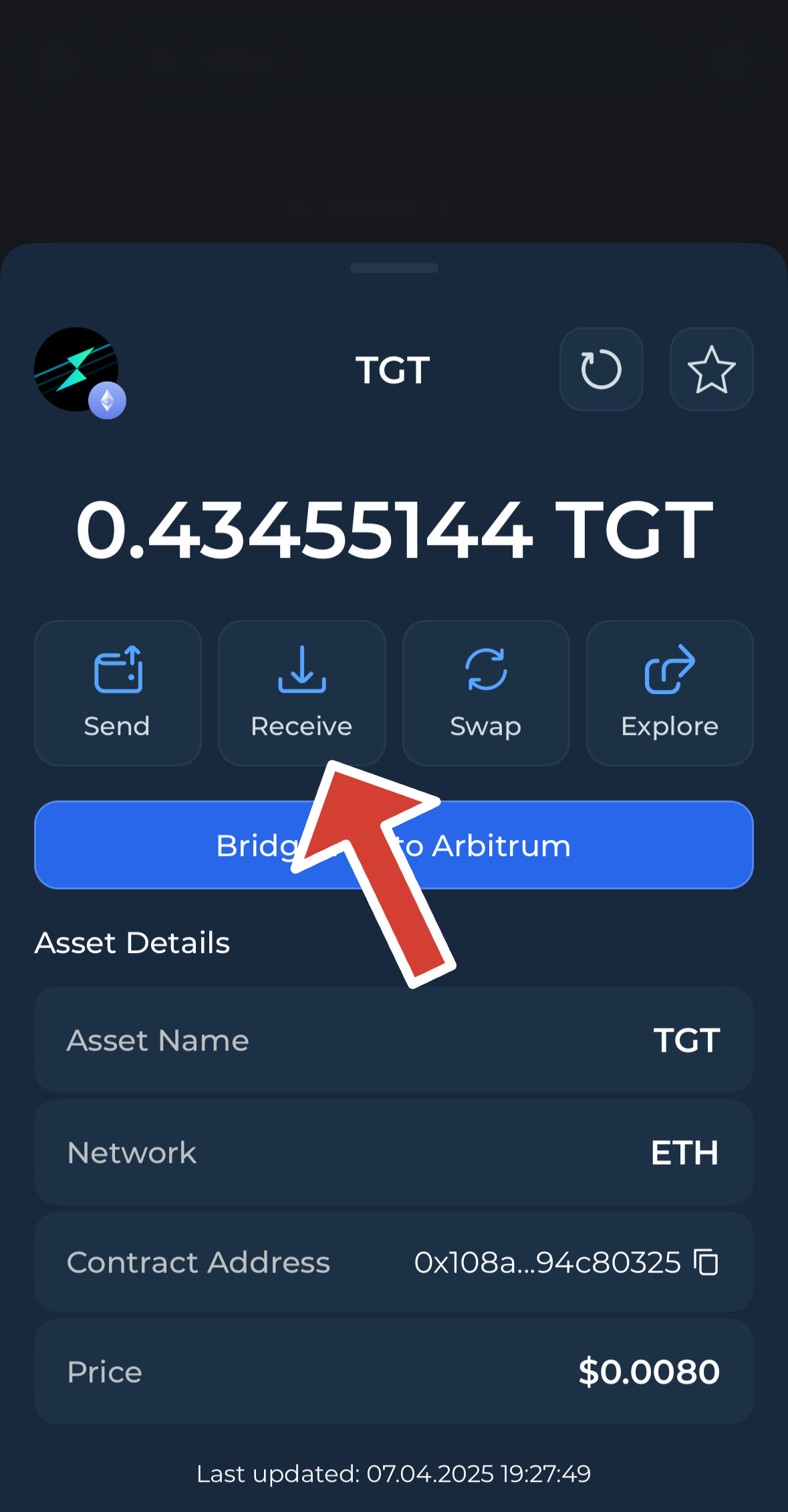
In the app, go to the **Wallet** page and tap on the asset you wish to receive (for example $TGT)
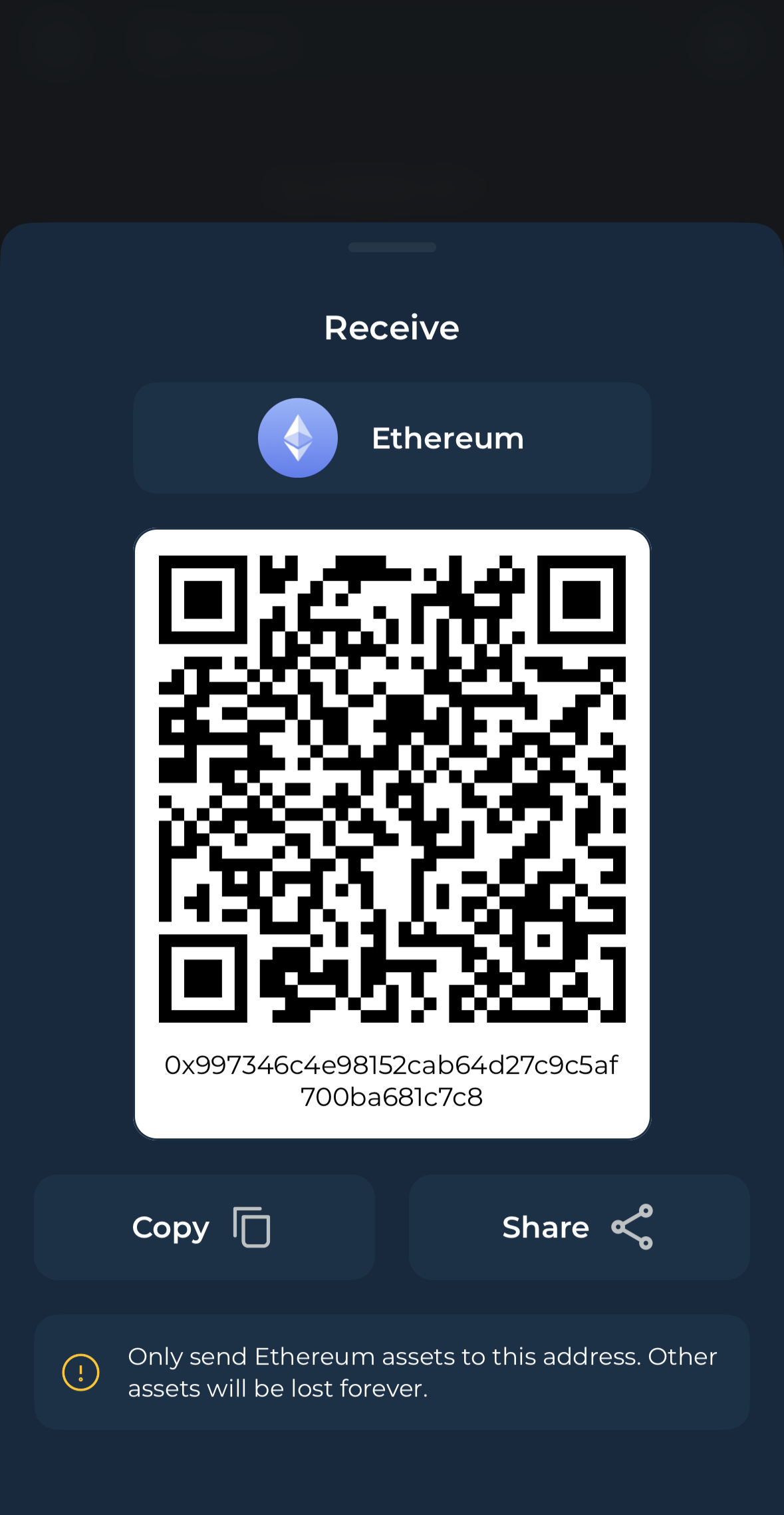
* On the next screen, click on **Receive**. From here, you can either scan the QR code or copy the wallet address to share it.
**Note: to receive any ERC-20 token or ERC-721/115 (NFT's ) you can just send it to your native Ethereum address**
{% hint style="success" %}
💡 **Note:**\
All **EVM-compatible chains** (such as Ethereum, BNB Smart Chain, Avalanche, and others) share the **same wallet address** format.\
If you're receiving native assets or tokens on these chains, you can **use your Ethereum (ETH) address** — it's the same for all of them.
{% endhint %}
{% hint style="success" %}
**Note:**\
**No memo is required** when receiving assets on any chain using **Thorwallet**.
{% endhint %}